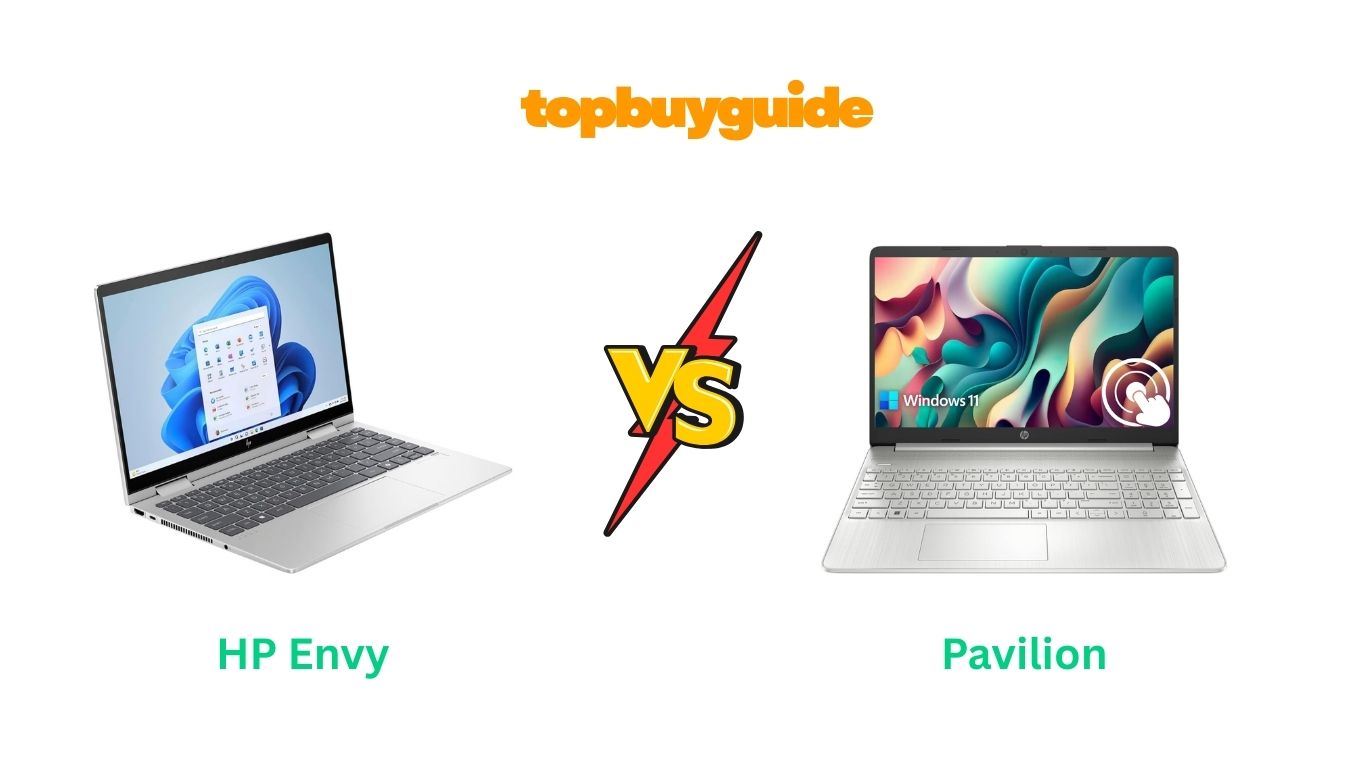
Deciding between the HP Envy and HP Pavilion can be tough. If you’re looking for superior performance and a premium build, the HP Envy is my top recommendation. It boasts a more powerful processor and a higher-quality display, making it ideal for demanding tasks. But is it worth the extra cost? Let’s dive into the details to find the perfect fit for your needs and budget.
Why Do I Recommend The HP Envy?
While both the HP Envy and Pavilion are solid choices, the HP Envy stands out as the superior machine for users who need more power and a premium experience. Here are the key reasons why I recommend the Envy over the Pavilion:
- Superior Processing Power: The HP Envy is equipped with an Intel Core 7-150U processor, featuring 10 cores and a max turbo frequency of up to 5.4 GHz. In contrast, the HP Pavilion comes with an Intel Core i3-1115G4 processor, which has only 2 cores and a max frequency of 4.1 GHz. This significant difference in core count and speed means the Envy can handle intensive multitasking and demanding applications with much greater ease.
- Enhanced Display Quality: The Envy features a 14-inch Full HD (1920 x 1080) touchscreen display, offering crisp, vibrant visuals. The Pavilion, on the other hand, has a larger 15.6-inch screen but with a lower HD resolution (1366 x 768). For anyone who values sharp image quality for work or entertainment, the Envy’s FHD screen is a clear winner.
- Premium 2-in-1 Versatility: The HP Envy is a 2-in-1 convertible laptop, allowing you to use it as a traditional laptop or flip it into a tablet. This versatility is perfect for creative work, presentations, or simply relaxing with a movie. The HP Pavilion is a traditional laptop and lacks this flexible functionality.
- Superior Camera for Video Calls: With a high-quality 5MP IR camera, the HP Envy delivers a significantly better video conferencing experience, providing a resolution of up to 2592×1944. This is a huge step up from the standard webcam typically found on laptops like the Pavilion, making your video calls look more professional and true-to-life.
- Advanced Operating System: The Envy comes with Windows 11 Pro, which includes advanced security and management features ideal for business professionals and power users. In comparison, the Pavilion runs on Windows 11 Home, which is sufficient for everyday use but lacks the robust capabilities of the Pro version.
- Modern Connectivity: The HP Envy includes Wi-Fi 6E, the latest standard in wireless connectivity, offering faster speeds and lower latency than the Pavilion’s setup. This ensures a more stable and efficient internet connection, which is crucial for streaming, gaming, and large file transfers.
- Enhanced Security: A built-in fingerprint reader on the HP Envy provides a quick and secure way to log in to your device. This feature adds a layer of convenience and security that is absent on the HP Pavilion model.
Side By Side Comparison Chart (HP Envy vs Pavilion)
| Feature | HP Envy | HP Pavilion |
| Processor | Intel Core 7-150U (10 Cores, up to 5.4 GHz) | Intel Core i3-1115G4 (2 Cores, up to 4.1 GHz) |
| Screen Resolution | 1920 x 1080 (FHD) | 1366 x 768 (HD) |
| Design | 2-in-1 Convertible | Traditional Laptop |
| Operating System | Windows 11 Pro | Windows 11 Home |
| Special Features | Fingerprint Reader, Backlit Keyboard, 2-in-1 | Anti-Glare Coating |
| Webcam | 5MP IR Camera | Standard Webcam |
| Graphics | Intel Graphics | Intel UHD Graphics |
| Price | ~$660 | ~$414 |
What Common Features Can HP Envy and HP Pavilion Do?
Despite their differences, the HP Envy and HP Pavilion share several core features that make them both reliable choices for everyday computing. They are both designed to provide a seamless user experience, whether you’re working, studying, or enjoying some downtime.
A key common feature is the touchscreen capability. Both laptops allow you to interact directly with the screen, which can make navigation more intuitive and faster than using a trackpad or mouse. This is especially useful for scrolling through web pages, zooming in on images, or playing simple touch-based games. The responsive touchscreens on both models make them versatile for a wide range of tasks.
Both laptops also come with a generous amount of RAM and storage. The models we’re comparing are equipped with 16GB of RAM, which is more than enough to run multiple applications and browser tabs simultaneously without a significant drop in performance. They also feature fast Solid State Drives (SSDs), with the Pavilion offering 1TB and the Envy 512GB in this configuration. This ensures quick boot-up times and rapid data access, making the overall experience feel snappy and responsive.
In terms of connectivity, both the Envy and Pavilion are well-equipped. They each feature multiple USB ports, including both Type-A and Type-C, as well as an HDMI port. This allows you to easily connect to a wide range of peripherals, such as external monitors, keyboards, mice, and storage devices. This robust port selection ensures you won’t be left searching for dongles to connect your essential accessories.
Common Features of HP Envy vs Pavilion
| Feature | HP Envy | HP Pavilion |
| RAM | 16 GB | 16 GB |
| Storage Type | SSD | SSD |
| Touchscreen | Yes | Yes |
| HDMI Port | Yes | Yes |
| USB-C Port | Yes | Yes |
A Detailed Comparison Of the HP Envy vs Pavilion
Processor and Performance
The HP Envy is powered by the Intel Core 7-150U, a modern 10-core processor that can reach speeds up to 5.4 GHz. This makes it exceptionally well-suited for heavy multitasking, video editing, and other processor-intensive tasks. You can run multiple demanding programs simultaneously without experiencing significant slowdowns, making it a great choice for professionals and power users who need reliable performance.
In contrast, the HP Pavilion uses the Intel Core i3-1115G4, a dual-core processor with a maximum speed of 4.1 GHz. While this processor is perfectly capable for everyday tasks like web browsing, word processing, and streaming video, it may struggle under heavier workloads. If you frequently have many tabs open or use resource-heavy software, you might notice some lag with the Pavilion.
Display and Design
When it comes to the display, the HP Envy features a 14-inch FHD (1920 x 1080) screen that delivers sharp, clear, and vibrant images. Its 2-in-1 convertible design also adds a layer of versatility, allowing you to flip the screen and use it as a tablet. This is ideal for drawing, taking notes, or watching movies in a more compact form factor.
The HP Pavilion sports a larger 15.6-inch screen, but its resolution is only HD (1366 x 768). This lower resolution means that images and text won’t be as sharp as on the Envy. While the larger screen size is a plus for some, the trade-off in visual quality is significant. The Pavilion’s traditional laptop design is functional but lacks the modern flexibility of the Envy’s 2-in-1 hinge.
Special Features
The HP Envy is packed with premium features that enhance usability and security. It includes a backlit keyboard for comfortable typing in low-light conditions and a fingerprint reader for quick, secure logins. The high-resolution 5MP IR webcam is another standout feature, providing crystal-clear video for meetings and calls. It also runs on Windows 11 Pro, offering more advanced networking and security options.
The HP Pavilion is more basic in its feature set. The model we’re looking at has an anti-glare coating on its screen, which is helpful for reducing reflections in bright environments. However, it lacks the backlit keyboard, fingerprint reader, and high-end webcam found on the Envy. It comes with Windows 11 Home, which is standard for consumer laptops and sufficient for most users.
Conclusion
After a thorough comparison, the HP Envy is the clear winner for those who need high performance and premium features. Its powerful 10-core processor, superior FHD display, and versatile 2-in-1 design make it an excellent investment for professionals, students, and creators. The added benefits of a 5MP camera and Windows 11 Pro justify its higher price. If your budget allows, the Envy is the laptop that will serve you better in the long run.
FAQs
- Which is better for gaming, HP Envy or Pavilion?
Neither of these specific models is designed for high-end gaming, as they both use integrated Intel graphics. However, the HP Envy’s more powerful processor will give it a slight edge in handling less demanding games. For serious gaming, you would want to look for a laptop with a dedicated graphics card. - Is the HP Envy more durable than the HP Pavilion?
Generally, the HP Envy line features a more premium, all-metal chassis, which tends to be more durable and rigid than the plastic construction often found in the more budget-friendly Pavilion line. The Envy feels more solid and is built to a higher standard. - Can I upgrade the RAM and SSD on these laptops?
Both laptops in this comparison come with 16GB of RAM and an SSD. While the SSD is typically user-upgradeable on both models, the RAM on some modern thin-and-light laptops like the Envy can be soldered to the motherboard. It’s best to check the specific sub-model’s documentation before attempting an upgrade. - Does the 2-in-1 feature of the HP Envy make it heavier?
The HP Envy 2-in-1 weighs approximately 3.35 lbs, which is quite light for a 14-inch convertible laptop. The 15.6-inch HP Pavilion weighs around 3.74 lbs. So, despite its more complex hinge mechanism, the Envy is actually the lighter and more portable of the two. - Which laptop has better battery life?
The HP Pavilion is rated for up to 11 hours of battery life, although real-world usage is often less. The HP Envy, with its more powerful components, will likely have a comparable or slightly shorter battery life depending on usage. For both models, tasks like video streaming and heavy multitasking will drain the battery faster. - Is Windows 11 Pro on the HP Envy a big advantage over Windows 11 Home?
For the average home user, Windows 11 Home is perfectly adequate. However, Windows 11 Pro offers additional features like BitLocker encryption, remote desktop capabilities, and more advanced network management tools. This makes it a significant advantage for business users or anyone who needs enhanced security and control. - Which laptop is better for students?
For most students, the HP Pavilion offers a great balance of affordability and functionality for tasks like writing papers, research, and streaming. However, students in creative or technical fields who need more processing power for software like Adobe Creative Suite or CAD would benefit from the superior performance of the HP Envy.

Alex Turner is a dedicated product researcher and reviewer at TopBuyGuide.com, known for his clear, honest, and data-driven insights. He spends countless hours testing, comparing, and analyzing products to help readers make confident and informed buying decisions.