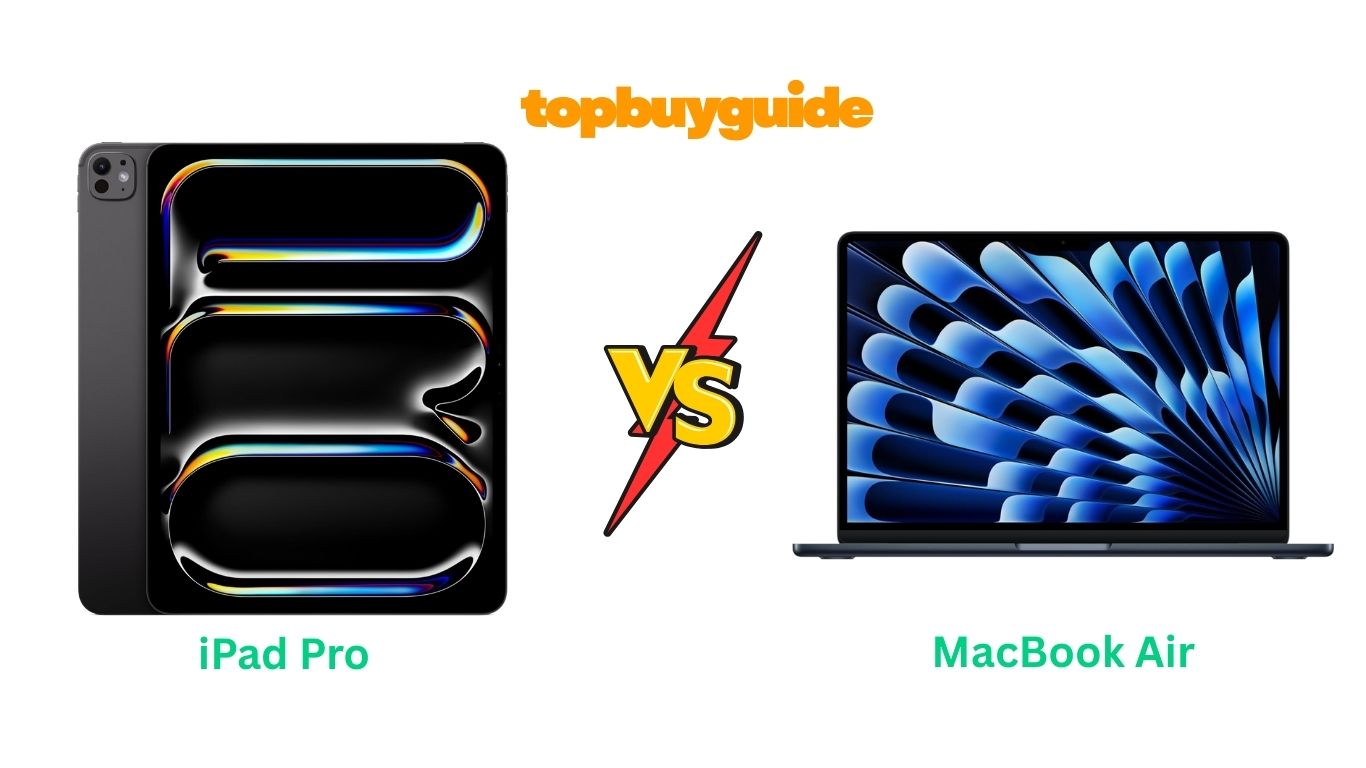
Choosing between the iPad Pro and MacBook Air can be tough. Both are powerful, portable devices from Apple. However, for most users seeking a versatile workhorse, the MacBook Air stands out. Its traditional laptop form factor and robust macOS offer a more comprehensive and familiar experience for productivity. But is it the right choice for you? Let’s dive in.
Why Do I Recommend The MacBook Air?
While both devices are top-tier, the MacBook Air offers a more complete package for a wider range of users. Here’s why it gets my vote:
- Integrated Keyboard and Trackpad: The MacBook Air comes with a full-sized, backlit Magic Keyboard and a precise Force Touch trackpad right out of the box. This provides a superior typing and navigation experience for productivity tasks compared to the iPad Pro, which requires purchasing a separate, often costly, Magic Keyboard.
- Robust Operating System: The MacBook Air runs on macOS, a powerful and versatile desktop operating system. It excels at multitasking with its flexible window management and offers full desktop versions of applications like Microsoft Office and Adobe Creative Cloud. In contrast, iPadOS on the iPad Pro, while powerful, is still a mobile-first OS and can be limiting for complex, multi-window workflows.
- Better Value for Money: The MacBook Air starts at a lower price point ($849.99) than the iPad Pro ($1,249.00). When you factor in the additional cost of a Magic Keyboard and Apple Pencil to match the MacBook’s functionality, the iPad Pro becomes significantly more expensive, making the MacBook Air the more economical choice for a complete setup.
- Superior Port Connectivity: The MacBook Air includes two Thunderbolt 4 (USB-C) ports and a MagSafe 3 charging port. This offers more flexibility for connecting external displays and accessories without needing a dongle for every task. The iPad Pro, on the other hand, has a single Thunderbolt / USB 4 port, which can be restrictive.
- Familiar Laptop Experience: For students, professionals, and anyone used to a traditional computer, the MacBook Air provides a seamless and intuitive experience. There’s no learning curve associated with adapting to a tablet-first workflow, which makes it a more practical choice for most people’s daily tasks.
- Durability and Form Factor: The classic clamshell design of the MacBook Air offers inherent screen protection when closed. While the iPad Pro is sleek, its exposed screen is more vulnerable to damage and requires a cover, adding to the overall cost and bulk.
- Extensive Software Compatibility: macOS has a long history and supports a vast library of professional-grade software without the limitations sometimes found in their iPadOS counterparts. This makes the MacBook Air a more reliable tool for specialized work in fields like programming, graphic design, and video editing.
Side By Side Comparison Chart (iPad Pro vs MacBook Air)
| Feature | iPad Pro (13-inch) | MacBook Air (13-inch) |
| Processor | Apple M5 Chip | Apple M4 Chip |
| Operating System | iPadOS | macOS |
| Display | 13-inch Ultra Retina XDR | 13.6-inch Liquid Retina |
| Base Price | $1,249.00 | $849.99 |
| Input | Touchscreen, Apple Pencil, Magic Keyboard (sold separately) | Built-in Magic Keyboard, Force Touch Trackpad |
| Ports | 1 x Thunderbolt / USB 4 | 2 x Thunderbolt 4, MagSafe 3, 3.5mm headphone jack |
| Camera | Landscape 12MP Front, 12MP Back, LiDAR Scanner | 12MP Center Stage Camera |
| Authentication | Face ID | Touch ID |
| External Display | Supports one external display | Supports up to two external displays |
| Battery Life | Up to 10 hours | Up to 18 hours |
| Weight | 1.28 pounds | 2.73 pounds |
What Common Features Can iPad Pro and MacBook Air Do?
Despite their differences, the iPad Pro and MacBook Air share a foundation of Apple’s cutting-edge technology, enabling them to perform many tasks exceptionally well. Both are built to handle modern workloads with speed and efficiency, making them powerful tools for creativity and productivity.
A key shared feature is Apple Intelligence. This personal intelligence system is integrated into both devices, offering powerful AI capabilities to help you write, communicate, and organize your work more effectively. It’s designed with privacy at its core, ensuring your data remains secure.
Both devices feature stunning displays with P3 wide color and True Tone technology, which adjusts the screen’s color temperature to match your ambient lighting for a more natural viewing experience. Whether you’re editing photos, watching movies, or browsing the web, you’ll enjoy vibrant, accurate colors and crisp details.
Connectivity is also a strong suit for both. They support the latest Wi-Fi standards and Bluetooth, ensuring fast and reliable wireless connections. You can easily connect to networks, pair accessories like headphones and mice, and sync data across your Apple devices seamlessly.
Finally, both the iPad Pro and MacBook Air are deeply integrated into the Apple ecosystem. This means they work magically with your iPhone, Apple Watch, and other Apple devices. You can start a task on one device and finish it on another, copy and paste content between them, and use features like Handoff and AirDrop to streamline your workflow.
Common Features of iPad Pro vs MacBook Air
| Feature | iPad Pro | MacBook Air |
| Apple Intelligence | Yes | Yes |
| True Tone Display | Yes | Yes |
| P3 Wide Color | Yes | Yes |
| Advanced Camera System | Yes | Yes |
| Studio-Quality Microphones | Four-mic array | Three-mic array |
| Spatial Audio | Yes | Yes |
| Apple Ecosystem Integration | Yes | Yes |
| USB-C Charging | Yes | Yes (via Thunderbolt) |
A Detailed Comparison Of the iPad Pro vs MacBook Air
Performance and Processor
The iPad Pro is equipped with the new Apple M5 chip, which offers extraordinary performance and advanced AI capabilities through its powerful Neural Accelerators. This makes it a beast for tasks like 4K video editing, graphic design, and running demanding pro apps. With options for up to 16GB of RAM, the iPad Pro is designed to handle intensive workflows without breaking a sweat.
The MacBook Air, on the other hand, features the impressive M4 chip. While a generation behind the M5, the M4 is still incredibly powerful and fluid, capable of handling everything from multitasking between apps to playing graphically demanding games. The M4 chip is optimized for efficiency, allowing the MacBook Air to deliver consistent performance whether it’s plugged in or running on battery. For most users, the M4’s power is more than sufficient for daily tasks and even professional work.
Portability and Design
When it comes to portability, the iPad Pro has a clear advantage in terms of weight. At just 1.28 pounds (for the 13-inch model without accessories), it is remarkably thin and light, making it easy to carry anywhere. Its design is sleek and minimalist, embodying the modern tablet form factor. However, to get a laptop-like experience, you’ll need to add a Magic Keyboard, which increases the weight and bulk.
The MacBook Air weighs 2.73 pounds, more than double the iPad Pro. However, it offers a complete, self-contained package with its durable clamshell design. This traditional laptop form factor provides a stable base for working on any surface and protects the screen when closed. Its design is iconic, and it remains one of the most portable and beautifully crafted laptops on the market.
Display Quality
The iPad Pro features a 13-inch Ultra Retina XDR display, which Apple touts as the world’s most advanced display. It uses Tandem OLED technology to deliver extreme brightness, precise contrast, and a 2,000,000:1 contrast ratio. With ProMotion technology adapting the refresh rate up to 120Hz, motion is incredibly smooth, which is a significant advantage for drawing and creative work.
The MacBook Air is equipped with a 13.6-inch Liquid Retina display. While it doesn’t have the ProMotion technology or the extreme contrast of the iPad Pro’s OLED screen, it’s still a brilliant display that supports 1 billion colors and offers sharp detail and rich contrast. For everyday use, including watching videos and editing photos, the Liquid Retina display is excellent and provides a beautiful viewing experience.
Operating System and Software
This is where the two devices diverge most significantly. The iPad Pro runs on iPadOS, a powerful mobile operating system with a redesigned interface and robust windowing system. It’s optimized for a touch-first experience and works seamlessly with the Apple Pencil. However, it can feel limited for users who rely on complex, multi-window desktop workflows or specific professional software that isn’t fully featured on iPadOS.
The MacBook Air runs on the classic macOS, a mature and versatile desktop operating system. It provides a familiar environment with unparalleled multitasking capabilities, a full file system, and access to the full desktop versions of professional applications. For anyone who needs to juggle multiple windows, manage files extensively, or use specialized software, macOS on the MacBook Air offers a more powerful and flexible experience.
Conclusion
For most people, the MacBook Air is the better choice. It offers a complete and powerful computing experience right out of the box at a more affordable price. With its excellent keyboard, versatile macOS, and all-day battery life, it’s the ideal device for students and professionals who need a reliable and efficient workhorse. The familiarity of the laptop form factor makes it a practical tool for productivity.
However, the iPad Pro is the undisputed champion for digital artists, creatives, and those who prioritize portability and a touch-first interface. Its stunning Ultra Retina XDR display and seamless integration with the Apple Pencil Pro make it an unparalleled digital canvas. If your workflow is optimized for a tablet and you value the flexibility of a detachable keyboard, the iPad Pro’s raw power and superior screen make it worth the premium price.
FAQs
- Can the iPad Pro replace a laptop for a college student?
For many students, yes. With a Magic Keyboard, the iPad Pro can handle note-taking, writing papers, and research. However, students in fields like computer science or engineering might find the MacBook Air’s macOS and broader software compatibility more suitable for their specialized needs. - Which is better for photo and video editing?
Both are excellent, but they serve different workflows. The iPad Pro’s Ultra Retina XDR display and Apple Pencil support offer a more hands-on, precise editing experience, especially for photo retouching. The MacBook Air, with macOS and full desktop software, provides a more traditional and powerful environment for complex video editing projects. - What is the main difference between the M4 and M5 chips?
The M5 chip in the iPad Pro is a newer generation, offering enhanced performance and more powerful Neural Accelerators for AI tasks compared to the M4 chip in the MacBook Air. While the M5 is technically superior, the M4 is still exceptionally fast and more than capable for the vast majority of users. - Is the Magic Keyboard for the iPad Pro worth it?
If you plan to do a lot of typing, the Magic Keyboard is almost essential. It provides a great typing experience and a trackpad, effectively turning the iPad Pro into a laptop. However, its high cost significantly increases the overall price of the iPad Pro setup. - How does battery life compare?
The MacBook Air has a significant advantage in battery life, offering up to 18 hours of video playback. The iPad Pro provides up to 10 hours of web surfing or video watching. If long stretches away from a power outlet are common for you, the MacBook Air is the more reliable choice. - Which device has better speakers and microphones?
Both devices feature excellent audio systems. The iPad Pro has a four-speaker audio system and a studio-quality four-mic array, delivering rich and immersive sound. The MacBook Air has a four-speaker sound system and a three-mic array, also providing impressive audio quality for calls and media consumption. - Can I connect an external monitor to both devices?
Yes, but the MacBook Air offers more flexibility. It can support up to two external displays simultaneously when the lid is closed. The iPad Pro officially supports one external display, which can be limiting for users who rely on a multi-monitor setup for productivity. - Is Face ID on the iPad Pro better than Touch ID on the MacBook Air?
It’s a matter of preference. Face ID on the iPad Pro offers seamless, hands-free authentication. Touch ID on the MacBook Air’s keyboard is fast, reliable, and convenient, especially when the device is sitting on a desk. Both are secure and work well.

Alex Turner is a dedicated product researcher and reviewer at TopBuyGuide.com, known for his clear, honest, and data-driven insights. He spends countless hours testing, comparing, and analyzing products to help readers make confident and informed buying decisions.