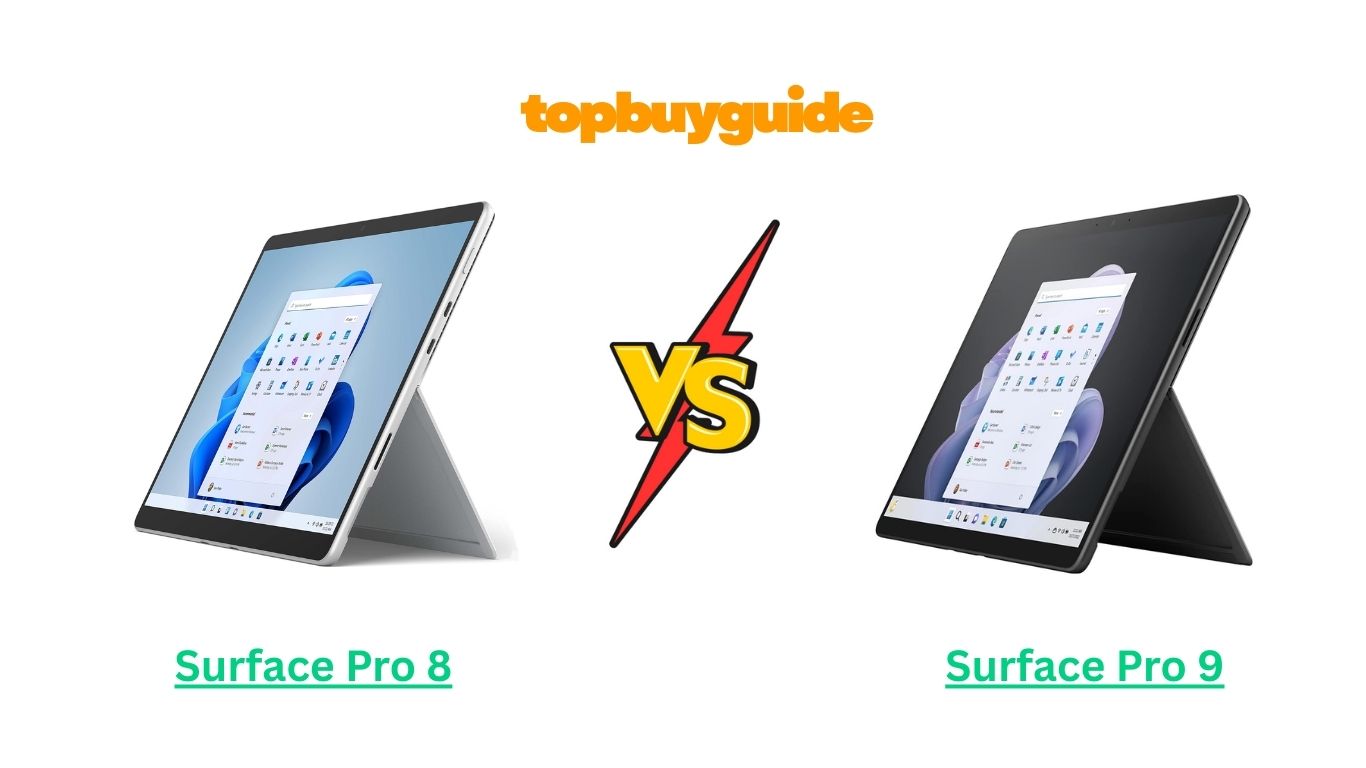
Microsoft’s Surface lineup has long been the gold standard for 2-in-1 tablets that combine laptop performance with tablet portability. The Surface Pro X and Surface Pro 8 are two popular choices, each with its strengths. If you want ultra-slim design, ARM-based efficiency, and connectivity on the go, the Surface Pro Xis the better pick. This guide will break down the differences and similarities so you can make an informed choice.
Why Do I Recommend the Surface Pro X?
While the Surface Pro 8 is powerful, the Surface Pro Xexcels in portability, battery life, and connectivity. Here’s why I recommend it:
- Slim and Lightweight Design: The Surface Pro X is thinner and lighter than the Pro 8, making it ideal for carrying everywhere, whether commuting, traveling, or using it in a café.
- ARM-Based Processor Efficiency: Powered by Microsoft SQ1 or SQ2 processors, the Pro X delivers better energy efficiency and longer battery life than the Intel 11th Gen processors in the Pro 8.
- Optional LTE/5G Connectivity: Unlike the Pro 8, the Pro X supports LTE or optional 5G, letting you stay connected anywhere without Wi-Fi, perfect for remote workers or frequent travelers.
- Battery Life: Due to its ARM-based architecture, the Pro X can last significantly longer on a single charge than the Pro 8, making it a reliable device for all-day productivity.
- Modern Design & Build Quality: The Pro X sports a sleek, modern chassis with minimal bezels and an almost futuristic look, which some users may prefer over the slightly bulkier Pro 8.
- Integrated Performance for Everyday Tasks: While it may not handle heavy creative software as efficiently as the Pro 8, the Pro X is excellent for office tasks, web browsing, streaming, and productivity apps.
- Better Connectivity Options: Includes USB-C ports with fast data transfer and charging, which are more versatile compared to the standard USB-A/USB-C combo on the Pro 8.
- Future-Oriented Features: With built-in LTE/5G and ARM efficiency, the Surface Pro X is designed for mobility and long-term usability, especially for users who prioritize portability over raw computing power.
Although the Surface Pro 8 is a better choice for creative professionals requiring heavy-duty processing, the Pro X is unmatched for mobile productivity, design, and connectivity on the go.
Side-By-Side Comparison Chart: Surface Pro X vs Surface Pro 8
| Feature | Surface Pro X | Surface Pro 8 |
| Processor | Microsoft SQ1/SQ2 ARM | 11th Gen Intel Core i5/i7 |
| Connectivity | LTE/Optional 5G | Wi-Fi 6 only |
| Battery Life | Up to 15-16 hours | Up to 16 hours, less efficient |
| Display | 13″ PixelSense 2880×1920 | 13″ PixelSense 2880×1920 |
| Weight & Design | Slimmer, ultra-light | Slightly thicker, heavier |
| Ports | 2x USB-C, Surface Connect | 2x USB-C, Surface Connect, USB-A |
| Thermal Management | Cooler due to ARM processor | May heat under heavy workloads |
| Performance for Heavy Software | Limited for high-end apps | Better for creative work |
Features of Surface Pro X
- Ultra-Slim Design: At just under 7mm thick and extremely lightweight, the Surface Pro X is highly portable and stylish.
- Display: 13-inch PixelSense touchscreen with 2880×1920 resolution delivers sharp visuals and great color accuracy.
- Battery Life: ARM-based processor ensures longer runtime, often exceeding a full workday on moderate use.
- Connectivity: Built-in LTE/5G allows internet access anywhere, perfect for travelers and mobile professionals.
- Ports: 2 USB-C ports and Surface Connect port for fast charging and peripheral support.
- Performance: ARM processors are efficient and great for office work, web browsing, streaming, and productivity apps.
- Stylus Support: Compatible with Surface Slim Pen for note-taking and light creative tasks.
Features of Surface Pro 8
- Performance: Intel 11th Gen processors deliver solid performance for office tasks, streaming, and moderate creative work.
- Display: 13-inch PixelSense touchscreen with 2880×1920 resolution and optional 120Hz refresh for smooth visuals.
- Battery Life: Up to 16 hours, but Intel processor consumes more power under heavy multitasking than the Pro X.
- Ports: USB-C and Surface Connect ports, with slightly fewer connectivity options than Pro X for mobile usage.
- Portability: Lightweight but slightly heavier and thicker than the Pro X.
- Stylus Support: Compatible with Surface Slim Pen for note-taking, sketching, and creative tasks.
- Software Compatibility: Can handle heavier software and creative applications better than ARM-based Pro X.
Perfect! Let’s continue with Part 2 of the “Surface Pro X vs Surface Pro 8” article. This part will cover common features, detailed comparisons, conclusion, and FAQs.
What Common Surface Pro X vs Surface Pro 8 Can Do?
Both the Surface Pro X and Surface Pro 8 share several core features that make them versatile 2-in-1 tablets. Here’s a detailed look at what both devices offer:
- High-Resolution Display: Both tablets feature a 13-inch PixelSense touchscreen with 2880×1920 resolution, delivering crisp visuals, bright colors, and responsive touch input. Whether you’re streaming, working, or sketching, the display provides excellent clarity.
- Touch & Stylus Input: Both devices support the Surface Slim Pen, allowing for precise note-taking, digital drawing, and annotation. Creative professionals and students benefit from responsive stylus input on either device.
- Portability: Both models are lightweight and slim, designed for mobility. Detachable keyboards allow for seamless transition from laptop to tablet mode, suitable for travel, classrooms, or office use.
- Cameras & Audio: Both devices feature a 5MP front camera and 10MP rear camera, ideal for video conferencing, online classes, and casual photography. Dolby Audio ensures rich and clear sound for calls and media.
- Wireless Connectivity: Both tablets support Wi-Fi 6 and Bluetooth 5.0, allowing fast internet browsing, smooth streaming, and connection to peripherals such as keyboards, mice, and headphones.
- Operating System: Both run Windows 11, providing access to Microsoft Office, productivity apps, and Windows Store software, ensuring smooth workflow and compatibility.
- Productivity Tools: Microsoft Office Suite, OneNote, and other productivity apps work seamlessly on both devices, making them suitable for students, professionals, and creators alike.
Common Features of Surface Pro X vs Surface Pro 8
| Feature | Surface Pro X | Surface Pro 8 |
| Display | 13″ PixelSense, 2880×1920 | 13″ PixelSense, 2880×1920 |
| Touch & Stylus | Surface Slim Pen | Surface Slim Pen |
| Cameras | Front 5MP, Rear 10MP | Front 5MP, Rear 10MP |
| Audio | Dolby Audio | Dolby Audio |
| Wireless Connectivity | Wi-Fi 6, Bluetooth 5.0 | Wi-Fi 6, Bluetooth 5.0 |
| OS | Windows 11 | Windows 11 |
| Portability | Slim & lightweight | Slim & lightweight |
| Productivity | Microsoft Office, OneNote | Microsoft Office, OneNote |
A Detailed Comparison of the Surface Pro X vs Surface Pro 8
Performance & Processor
Surface Pro X: Powered by ARM-based Microsoft SQ1/SQ2 processors, the Pro X is highly energy-efficient and excels in everyday productivity tasks like web browsing, Microsoft Office, and streaming. However, it may not perform as well as Intel-based Pro 8 for heavy creative software or video editing.
Surface Pro 8: Equipped with Intel 11th Gen Core i5/i7 processors, the Pro 8 handles multitasking and demanding applications better. Professionals working with Adobe Creative Suite or large datasets may find the Pro 8 more capable for intensive workloads.
Connectivity
Surface Pro X: Offers LTE and optional 5G connectivity, allowing users to stay online without Wi-Fi. This is ideal for remote workers, travelers, or anyone frequently on the move.
Surface Pro 8: Limited to Wi-Fi 6 connectivity, making it reliable for home or office use but less flexible on the go compared to the Pro X.
Battery Life
Surface Pro X: Thanks to the ARM processor, it provides extended battery life, often exceeding a full day on moderate usage.
Surface Pro 8: Battery life can reach up to 16 hours, but Intel processors tend to drain more power under heavy multitasking or creative workloads.
Display & Visuals
Surface Pro X: 13-inch PixelSense touchscreen with vibrant colors and sharp text, ideal for reading, browsing, and note-taking.
Surface Pro 8: Offers similar 13-inch PixelSense display with optional 120Hz refresh rate for smoother scrolling, gaming, and creative tasks. The Pro 8 may feel slightly more responsive for fast-paced visuals.
Portability & Design
Surface Pro X: Ultra-thin and lightweight, making it highly portable and comfortable to hold for extended periods.
Surface Pro 8: Slightly thicker and heavier, though still portable. Offers a more traditional design compared to the futuristic look of the Pro X.
Thermal Management
Surface Pro X: ARM architecture generates less heat, keeping the device cool even during prolonged usage.
Surface Pro 8: Intel processor may run warmer under heavy workloads, which could slightly impact comfort during extended use.
Software & Productivity
Surface Pro X: Windows 11 runs smoothly, and ARM optimization allows for efficient daily tasks, office work, and light creative tasks.
Surface Pro 8: Better suited for demanding software due to Intel architecture, making it ideal for power users, designers, or video editors.
Conclusion
After a detailed comparison of Surface Pro X vs Surface Pro 8, the Surface Pro X emerges as the better choice for users who value mobility, connectivity, and extended battery life. Its slim design, LTE/5G connectivity, and energy-efficient ARM processor make it ideal for students, professionals, and travelers who need a reliable device on the go.
The Surface Pro 8 remains a strong option for users who prioritize performance for creative and intensive applications. However, for everyday productivity, portability, and staying connected anywhere, the Pro X is a clear winner.
FAQs
- Does Surface Pro X support LTE/5G?
Yes, the Surface Pro X has LTE/5G connectivity on compatible models, allowing fast internet access without Wi-Fi, unlike Surface Pro 8. - Which has longer battery life?
Surface Pro X generally lasts longer due to ARM processor efficiency, while Surface Pro 8’s Intel processor consumes more power under heavy multitasking. - Can both use the Surface Slim Pen?
Yes, both devices support the Surface Slim Pen for drawing, note-taking, and annotation. - Which is better for creative work?
Surface Pro 8 performs better for intensive creative software due to Intel processors, while Pro X is ideal for light creative tasks. - Are the keyboards interchangeable?
Yes, both support Surface Type Covers, but always check model compatibility before purchase. - Which is more portable?
Surface Pro X is slimmer and lighter, making it more comfortable for prolonged handheld use. - Do both run Windows 11?
Yes, both run Windows 11, but ARM optimization on Pro X favors mobile efficiency, whereas Pro 8 handles demanding software better. - Is Surface Pro X worth the price over Pro 8?
Yes, if portability, LTE/5G connectivity, and longer battery life are priorities, Pro X offers better value for mobile users.

Alex Turner is a dedicated product researcher and reviewer at TopBuyGuide.com, known for his clear, honest, and data-driven insights. He spends countless hours testing, comparing, and analyzing products to help readers make confident and informed buying decisions.