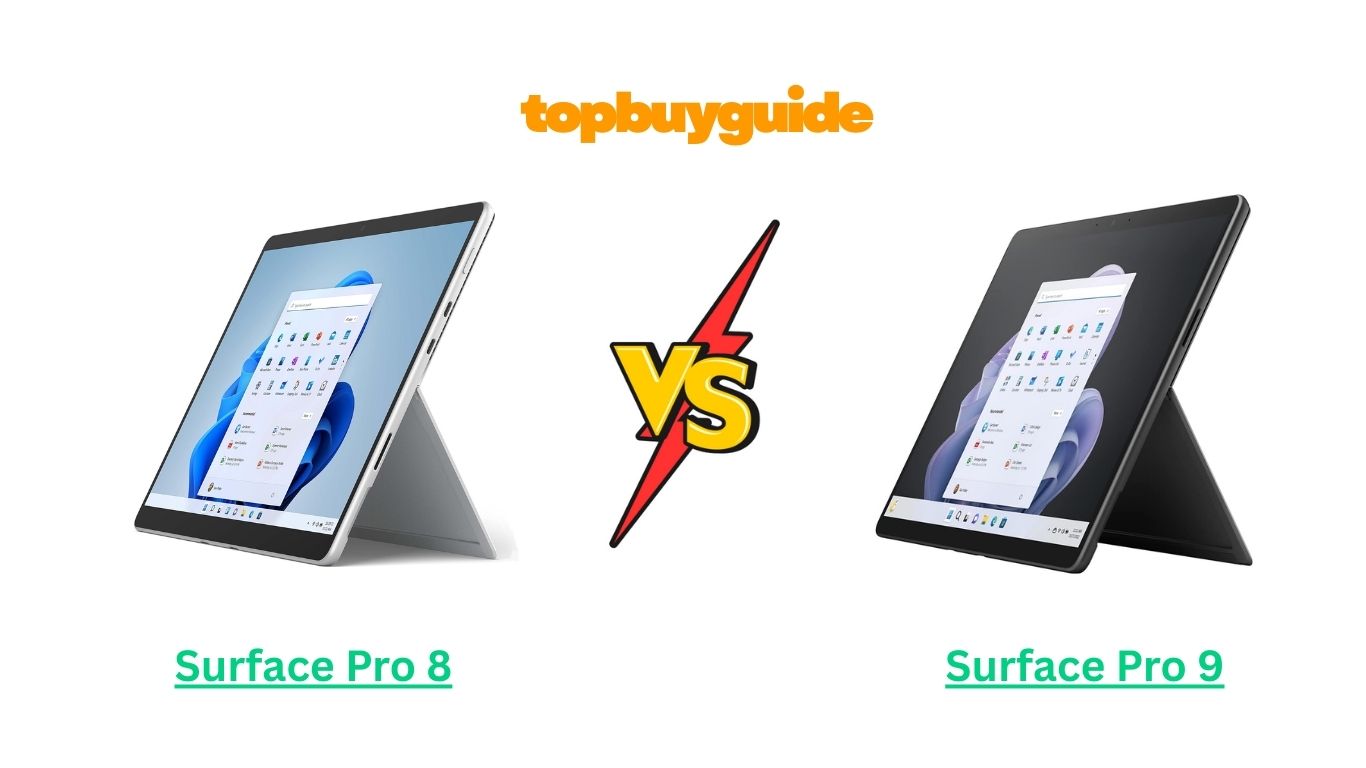
Looking for a high-performance 2-in-1 tablet that can handle work, creativity, and entertainment on the go? Microsoft’s Surface Pro 8 and Surface Pro 9 are among the most popular devices in the Surface lineup, blending laptop-grade performance with tablet-level portability.
If you’re seeking the latest processor, improved battery efficiency, and optional 5G connectivity, I recommend the Surface Pro 9. Its upgrades make it more future-proof and versatile, whether you’re working remotely, designing graphics, or streaming content. In this detailed comparison, we’ll break down everything you need to know about these two devices, so you can make the right choice.
Why Do I Recommend the Surface Pro 9?
While the Surface Pro 8 is still a powerful and capable device, the Surface Pro 9 comes with several improvements that make it a better investment for most users. Here’s why:
- Upgraded Processor Options: Surface Pro 9 comes with 12th Gen Intel processors or ARM-based options, which provide faster multitasking and better efficiency than the 11th Gen Intel chips in the Pro 8. This means smoother performance when running multiple apps or handling complex tasks like photo and video editing.
- Optional 5G Connectivity: Unlike the Pro 8, Surface Pro 9 supports 5G on compatible models. This is a game-changer for professionals and students who need fast internet access while on the go, without relying on Wi-Fi hotspots.
- Longer Battery Life: While Surface Pro 8 already offers decent battery life, the Pro 9’s optimized power management extends usage slightly longer, helping you stay productive during travel or extended work sessions.
- Slimmer and Lighter Design: The Pro 9 is slightly slimmer and lighter than the Pro 8, enhancing portability. Whether you carry it in a backpack or use it handheld for note-taking, the difference is noticeable.
- Enhanced Thermal Management: The Pro 9 runs cooler under heavy workloads, preventing throttling and maintaining consistent performance during resource-intensive tasks.
- Improved Display Options: Some models of the Pro 9 support a 120Hz refresh rate, giving smoother visuals, faster scrolling, and a more responsive experience, which is especially useful for designers, artists, and gamers.
- Future-Proofing with Windows 11: Surface Pro 9 is built with future software updates in mind, ensuring better longevity and support for upcoming features in Windows 11.
- Better Value for Creative Professionals: With faster processors, optional 5G, and improved display features, the Pro 9 caters to creators, designers, and business users who want a reliable device for both productivity and entertainment.
In comparison, the Surface Pro 8 is still a solid choice for casual users or students who don’t need the latest performance enhancements or 5G connectivity. However, for long-term usage, the Pro 9 offers more advantages and better future-proofing.
Side-By-Side Comparison Chart: Surface Pro 8 vs 9
Here’s a clear breakdown of the differences between the two devices, highlighting the features where they diverge:
| Feature | Surface Pro 8 | Surface Pro 9 |
| Processor | 11th Gen Intel Core i5/i7 | 12th Gen Intel Core i5/i7 or ARM |
| Connectivity | Wi-Fi 6 | Wi-Fi 6 + Optional 5G |
| Battery Life | Up to 16 hours | Slightly improved, up to 17 hours |
| Display | 13″ PixelSense, 2880×1920, 120Hz | 13″ PixelSense, 2880×1920, optional 120Hz refresh |
| Weight & Design | Slim and lightweight | Slimmer and slightly lighter |
| Thermal Management | Standard cooling | Enhanced cooling system for heavy workloads |
| Software & OS Optimization | Windows 11 | Windows 11, optimized for future updates |
| Future-Proofing | Good | More future-proof, longer support |
Features of Surface Pro 8
The Surface Pro 8 remains a powerful 2-in-1 device with features that make it suitable for students, professionals, and casual users:
- Display: 13-inch PixelSense touchscreen with 2880×1920 resolution and 120Hz refresh support. The display is bright, color-accurate, and perfect for video streaming, browsing, and general productivity.
- Performance: Powered by 11th Gen Intel processors, the Pro 8 can handle multitasking, office work, and light creative tasks. Apps open quickly, and the device responds well to day-to-day tasks.
- Portability: With a lightweight design and detachable keyboard, the Pro 8 transforms from a tablet to a laptop in seconds, making it ideal for travel or working on the go.
- Connectivity: Includes Wi-Fi 6 and Bluetooth 5.0, offering fast wireless connections and easy pairing with accessories like headphones, mice, and keyboards.
- Battery Life: Provides up to 16 hours of usage, sufficient for a full day of work, school, or entertainment.
- Cameras & Audio: Features a 5MP front camera for video calls and a 10MP rear camera. Dolby Audio support enhances sound quality for calls, streaming, or media playback.
- Stylus & Touch Input: Supports the Surface Slim Pen, allowing precise note-taking, drawing, and editing on the go.
Features of Surface Pro 9
The Surface Pro 9 upgrades many aspects of the Pro 8, offering enhanced performance and versatility:
- Display: Same 13-inch PixelSense touchscreen but with smoother optional 120Hz refresh rate for a more fluid experience. Great for scrolling, drawing, or gaming.
- Processor Options: 12th Gen Intel Core or ARM-based processors provide faster multitasking, better energy efficiency, and improved performance for heavy workloads compared to Pro 8.
- Connectivity: Supports Wi-Fi 6 and optional 5G connectivity, enabling users to access ultra-fast internet anywhere, perfect for business travelers or digital nomads.
- Battery Life: Optimized power usage increases overall battery performance slightly beyond the Pro 8, ensuring longer productivity without charging breaks.
- Design & Portability: Slimmer and slightly lighter, making it more comfortable for extended handheld use or carrying in a bag.
- Thermal Management: Improved cooling system ensures consistent performance even during prolonged usage, preventing performance throttling.
- Software Optimization: Windows 11 is better integrated, providing smoother updates and support for future features.
- Future-Proofing: Built to last longer with upcoming software and productivity enhancements.
Perfect! Let’s continue with Part 2 of the “Surface Pro 8 vs 9” article. This part will cover common features, detailed feature-by-feature comparison, conclusion, and FAQs.
What Common Surface Pro 8 vs 9 Can Do?
Both the Surface Pro 8 and Surface Pro 9 share a set of core features that make them versatile 2-in-1 devices, ideal for productivity, creativity, and entertainment. Here’s a detailed look at what both models offer:
- Portability & 2-in-1 Design: Both devices are lightweight and slim, with detachable keyboards that transform the tablet into a full laptop. This makes them perfect for students, professionals, and creatives who are constantly on the move.
- High-Resolution Display: Both offer a 13-inch PixelSense touchscreen with 2880×1920 resolution, delivering sharp text, vibrant colors, and excellent brightness for indoor and outdoor use.
- Touch & Pen Input: Both support the Surface Slim Pen, providing precise writing, sketching, and drawing capabilities for digital note-taking, design work, or photo editing.
- Cameras & Audio: Both devices feature a 5MP front camera and 10MP rear camera, suitable for video calls, online classes, or casual photography. Dolby Audio ensures immersive sound quality during media playback or video conferences.
- Wireless Connectivity: Both support Wi-Fi 6 and Bluetooth 5.0, providing fast and stable connections for browsing, streaming, and peripheral pairing.
- Operating System: Windows 11 is pre-installed on both, offering a modern interface, security updates, and compatibility with Microsoft Office and other productivity apps.
- Stylus & Productivity Tools: Both are compatible with Microsoft Office, OneNote, and other productivity apps, making them ideal for professionals, students, and creators.
Common Features of Surface Pro 8 vs 9
| Feature | Surface Pro 8 | Surface Pro 9 |
| Display | 13″ PixelSense, 2880×1920 | 13″ PixelSense, 2880×1920 |
| Touch & Pen Input | Surface Slim Pen | Surface Slim Pen |
| Cameras | Front 5MP, Rear 10MP | Front 5MP, Rear 10MP |
| Audio | Dolby Audio | Dolby Audio |
| Wireless Connectivity | Wi-Fi 6, Bluetooth 5.0 | Wi-Fi 6, Bluetooth 5.0 |
| OS | Windows 11 | Windows 11 |
| Portability | Slim & lightweight | Slim & lightweight |
| Productivity | Microsoft Office, OneNote | Microsoft Office, OneNote |
A Detailed Comparison of the Surface Pro 8 vs 9
Performance & Processor
Surface Pro 8: Powered by 11th Gen Intel Core processors, the Pro 8 handles multitasking, office productivity, and light creative tasks with ease. It is suitable for students, professionals, and casual creators who need reliable performance for everyday use.
Surface Pro 9: The Pro 9 offers 12th Gen Intel or ARM processors, delivering significantly faster performance and better energy efficiency. Multitasking is smoother, apps load faster, and demanding workloads such as video editing or coding run more efficiently than on the Pro 8.
Connectivity
Surface Pro 8: Comes with Wi-Fi 6 for fast internet access and Bluetooth 5.0 for peripheral connections. However, it lacks cellular connectivity options.
Surface Pro 9: In addition to Wi-Fi 6 and Bluetooth 5.0, select models offer optional 5G connectivity, enabling high-speed internet on the go without relying on Wi-Fi hotspots. This is especially useful for remote work or travel.
Battery Life
Surface Pro 8: Provides up to 16 hours of typical usage, sufficient for a full workday of productivity and entertainment.
Surface Pro 9: Battery life is slightly improved thanks to optimized processors and energy management, allowing users to work longer without recharging — ideal for long trips or extended work sessions.
Display & Visuals
Surface Pro 8: 13-inch PixelSense display offers excellent clarity, bright colors, and a smooth 120Hz refresh rate, suitable for most creative and professional tasks.
Surface Pro 9: Also offers a 13-inch PixelSense display but introduces optional higher refresh rates and better color calibration. Scrolling, drawing, and gaming feel smoother, enhancing the overall visual experience.
Portability & Design
Surface Pro 8: Slim and lightweight, easy to carry in a backpack or use handheld.
Surface Pro 9: Slightly slimmer and lighter than the Pro 8, improving comfort for prolonged tablet use. Its modern design is both stylish and practical for travel or office use.
Thermal Management
Surface Pro 8: Standard cooling ensures consistent performance for typical workloads but may get warmer under heavy load.
Surface Pro 9: Enhanced cooling system allows it to stay cooler under prolonged use, reducing the chances of throttling during intensive tasks like video editing or running multiple apps simultaneously.
Software & Productivity
Surface Pro 8: Runs Windows 11 smoothly, compatible with Microsoft Office, OneNote, and other essential productivity apps.
Surface Pro 9: Windows 11 integration is optimized, with better performance and support for future updates. This ensures smoother workflow, faster app launches, and longevity for productivity tasks.
Conclusion
After a detailed comparison of Surface Pro 8 vs 9, the Surface Pro 9 stands out as the better choice for most users. Its faster processors, optional 5G connectivity, enhanced battery life, smoother display, and improved thermal management make it ideal for professionals, students, and creators who need a device that is both powerful and portable.
The Surface Pro 8 remains a reliable option for casual users or those on a budget, but the Pro 9’s upgrades provide better future-proofing, higher performance, and greater versatility.
FAQs
- Does Surface Pro 9 support 5G?
Yes, select models of Surface Pro 9 support 5G connectivity, allowing high-speed internet on the go. Surface Pro 8 only supports Wi-Fi 6. - What is the battery life difference between Pro 8 and Pro 9?
Surface Pro 8 offers up to 16 hours of usage, while Pro 9 is slightly longer, depending on processor and workload. - Can I use the Surface Slim Pen with both models?
Yes, both Pro 8 and Pro 9 support the Surface Slim Pen for note-taking, drawing, and creative tasks. - Which is better for creative work?
Surface Pro 9 is better due to faster processors, optional 120Hz refresh display, and improved color calibration, enhancing design and multimedia work. - Are the keyboards interchangeable between Pro 8 and Pro 9?
Yes, both devices are compatible with the Surface Type Cover, but always check specific model compatibility. - Which device is more portable?
Both are slim and lightweight, but Pro 9 is slightly lighter and thinner, making it more comfortable for handheld use. - Do both support Windows 11?
Yes, both come preloaded with Windows 11, but Pro 9 benefits from optimized software integration and future-proof updates. - Is Surface Pro 9 worth the price difference?
Yes, Pro 9 offers upgraded processors, optional 5G, better display options, longer battery life, and improved thermal performance, making it a better investment for professionals and frequent users.

Alex Turner is a dedicated product researcher and reviewer at TopBuyGuide.com, known for his clear, honest, and data-driven insights. He spends countless hours testing, comparing, and analyzing products to help readers make confident and informed buying decisions.