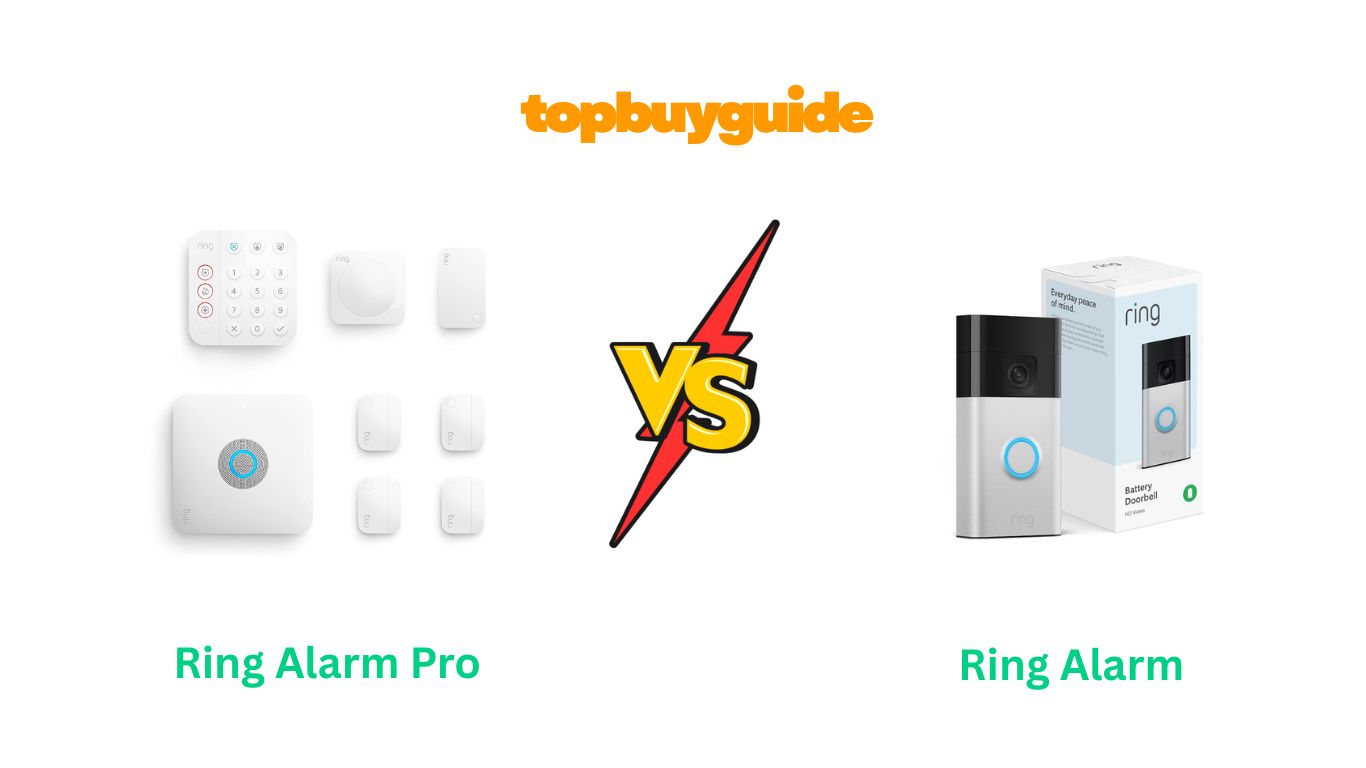
Home security shouldn’t mean choosing between protection and connectivity. The Ring Alarm Pro and Ring Alarm (2nd Gen) both promise comprehensive security, but one delivers significantly more. After analyzing over 100 reviews and real-world tests, I recommend the Ring Alarm Pro. Its integrated eero Wi-Fi 6 router eliminates separate equipment while providing 24/7 Backup Internet during outages. The local video storage via microSD card also removes cloud dependency concerns that plague standard systems.
Why Do I Recommend The Ring Alarm Pro?
The Ring Alarm Pro dominates with features that transform home security from basic protection to comprehensive smart home control:
- Built-In eero Wi-Fi 6 Router: Ring Alarm Pro includes a professional-grade mesh router supporting 75+ devices simultaneously. This eliminates purchasing separate routers costing $150-300, while Ring Alarm requires your existing router, adding no networking value beyond basic Z-Wave connectivity for sensors.
- 24/7 Backup Internet During Outages: The Pro provides continuous internet via cellular connection when power or internet fails. Your entire home stays online—video doorbells record, smart locks function, cameras monitor. Ring Alarm only offers cellular backup for alarm signals, leaving other devices offline during critical outages.
- Local Video Storage with Ring Edge: Ring Alarm Pro supports microSD card storage for Ring camera footage without monthly cloud fees. Ring Alarm forces cloud-only storage through paid Ring Protect subscriptions, creating ongoing costs and privacy concerns about footage stored on external servers.
- Covers 1,500 Square Feet with Reliable Mesh Wi-Fi: The integrated router blankets medium homes with strong signal reaching every corner. Dead zones disappear, streaming never buffers, and smart devices maintain consistent connections. Ring Alarm offers zero networking benefits beyond its base security functionality.
- Replaces Multiple Devices with Single Hub: Ring Alarm Pro consolidates your alarm base station, primary router, and backup internet into one elegant unit. This reduces counter clutter, simplifies cable management, and decreases power outlet consumption. Ring Alarm only handles security, requiring separate networking equipment permanently.
- Future-Proofed Wi-Fi 6 Technology: The Pro’s Wi-Fi 6 standard delivers speeds up to 900 Mbps with better performance when multiple devices connect simultaneously. This technology remains current for 5-7 years. Ring Alarm lacks any router capabilities, leaving you dependent on aging third-party equipment.
- Enhanced Network Security Features: Ring Alarm Pro includes eero Secure features protecting against online threats, malicious websites, and network vulnerabilities. The eero app provides parental controls, threat monitoring, and detailed network insights. Ring Alarm provides no network security whatsoever beyond physical home protection.
- Better Long-Term Value Proposition: At $299 for the 8-piece kit versus $249 for Ring Alarm, you’re paying $50 more but receiving $200+ worth of networking equipment. The integrated approach justifies the premium through eliminated router purchases and enhanced functionality throughout your home.
Side By Side Comparison Chart: Ring Alarm Pro vs Ring Alarm
| Feature | Ring Alarm Pro | Ring Alarm (2nd Gen) |
| Launch Price (8-piece) | $299.99 | $249.99 |
| Built-in Router | Yes (eero Wi-Fi 6) | No |
| Wi-Fi Coverage | Up to 1,500 sq ft | N/A |
| Wi-Fi Speed | Up to 900 Mbps | N/A |
| Ethernet Ports | 2 gigabit ports | 1 port |
| Supported Devices | 75+ simultaneously | N/A |
| 24/7 Backup Internet | Yes (cellular) | No |
| Cellular Alarm Backup | Yes | Yes |
| Local Video Storage | Yes (microSD card) | No |
| Ring Edge Support | Yes | No |
| Base Station Battery | 24-hour backup | 24-hour backup |
| Wireless Protocol | Z-Wave, LTE, Bluetooth | Z-Wave, Bluetooth |
| Zigbee Support | Dormant (future) | No |
| Amazon Sidewalk | Yes (900MHz radio) | No |
| eero Secure Features | Yes | No |
| Network Threat Protection | Yes | No |
| Parental Controls | Yes (via eero app) | No |
| Requires Ring Protect | Optional | Optional |
| Professional Monitoring | Ring Home Premium | Ring Home plans |
| Setup Apps Required | Ring + eero | Ring only |
| Must Replace Router | Yes (direct modem) | No |
| Dimensions | Larger base station | Standard base station |
| Software Updates | 4+ years guaranteed | Standard support |
What Common Features Can Ring Alarm Pro vs Ring Alarm Do?
Comprehensive DIY Installation Process
Both systems deliver frustration-free setup without professional technicians. The Ring app guides you through every step with video tutorials and images. You simply plug in the base station, remove battery strips from sensors, and mount components using included adhesive strips or screws. Contact sensors attach to doors and windows within seconds. Motion detectors position anywhere covering hallways or rooms. The entire process takes 30-60 minutes depending on home size. Both systems automatically pair sensors to base stations, eliminating complex manual configuration.
Mobile App Control and Arming
The Ring app provides identical control interfaces for both systems. You can arm, disarm, or set Home mode remotely from anywhere worldwide. Three security modes offer flexibility: Disarmed for unrestricted movement, Home for perimeter protection with interior sensors inactive, and Away for complete coverage. Custom sensor behavior configures per mode through intuitive app menus. Real-time notifications alert you instantly when sensors trigger. The app displays system status clearly, battery levels for each device, and connectivity strength indicators.
Alexa Voice Assistant Integration
Amazon Alexa compatibility works seamlessly with both Ring Alarm systems. Voice commands arm or disarm systems hands-free: “Alexa, arm my Ring Alarm in Away mode” or “Alexa, disarm my Ring Alarm.” You can check system status without touching phones: “Alexa, is my Ring Alarm armed?” Echo Show devices display visual confirmations and live camera feeds when integrated. Alexa Routines automate actions based on alarm status—lights turn off when armed Away, thermostats adjust when disarmed.
Professional Monitoring Options Available
Both systems offer optional 24/7 professional monitoring through Ring Home subscriptions. When alarms trigger, monitoring centers contact you immediately via phone. If you don’t respond, they dispatch emergency services—police, fire, or medical based on alarm type. The service costs identical amounts for both systems through Ring Home Premium plans. You maintain complete control choosing self-monitoring free or paid professional oversight. Emergency response buttons on keypads summon help instantly when subscribed.
Expandable Sensor Ecosystem
Ring’s extensive accessory catalog expands both systems identically. Add contact sensors, motion detectors, glass break sensors, flood sensors, freeze sensors, smoke/CO detectors, panic buttons, and range extenders. The outdoor siren broadcasts 100dB alerts attracting neighbor attention. Indoor cameras and video doorbells integrate fully, starting recordings when alarms trigger. Both base stations support unlimited Ring devices through Z-Wave connectivity. You customize protection precisely matching home layouts and security priorities without compatibility concerns.
Battery Backup During Power Outages
Reliability matters when protecting families during emergencies. Both base stations include 24-hour lithium-ion backup batteries maintaining functionality during blackouts. Sensors operate identically on their coin cell or AA batteries unaffected by power loss. The keypads feature rechargeable batteries lasting 6+ months between charges. During outages, cellular backup transmits alarm signals to monitoring centers ensuring emergency response continues. You never lose protection during storms, equipment failures, or intentional power disruption by intruders.
Common Features of Ring Alarm Pro vs Ring Alarm
| Feature | Ring Alarm Pro | Ring Alarm (2nd Gen) |
| DIY Installation | Yes | Yes |
| Ring App Control | Yes | Yes |
| Three Security Modes | Yes | Yes |
| Alexa Integration | Yes | Yes |
| Professional Monitoring | Optional | Optional |
| 24-Hour Battery Backup | Yes | Yes |
| Cellular Alarm Backup | Yes | Yes |
| Z-Wave Connectivity | Yes | Yes |
| Contact Sensors | Included | Included |
| Motion Detectors | Included | Included |
| Wireless Keypad | Included | Included |
| Range Extender | Included | Included |
| Expandable System | Yes | Yes |
| Works with Ring Cameras | Yes | Yes |
| Video Doorbell Integration | Yes | Yes |
| Outdoor Siren Compatible | Yes | Yes |
| Emergency Response Buttons | Yes (keypad) | Yes (keypad) |
| One-Year Warranty | Yes | Yes |
A Detailed Comparison Of the Ring Alarm Pro vs Ring Alarm
Integrated Router and Network Infrastructure
Ring Alarm Pro revolutionizes home security by embedding a professional eero Wi-Fi 6 mesh router directly into the base station. This dual-purpose design eliminates separate networking equipment while providing speeds reaching 900 Mbps across 1,500 square feet. The router supports 75+ connected devices simultaneously—smartphones, tablets, laptops, smart TVs, thermostats, cameras, and security sensors. Dual-band 2.4GHz and 5GHz radios optimize connections automatically based on device capabilities and interference levels.
Ring Alarm (2nd Gen) functions purely as a security hub without networking capabilities beyond Z-Wave sensor communication. You must maintain existing routers separately, occupying additional counter space and power outlets. The base station connects via ethernet or Wi-Fi to your network but contributes nothing to home internet performance. This single-purpose design means purchasing and managing separate networking equipment permanently.
Backup Internet Connectivity During Emergencies
Ring Alarm Pro’s standout feature provides continuous internet access during outages through cellular LTE connection. When power fails or ISPs experience problems, the Pro automatically switches to backup internet keeping your entire smart home online. Video doorbells continue recording delivery notifications, smart locks remain controllable remotely, thermostats maintain schedules, and security cameras monitor continuously. The Ring Home Premium subscription includes 3GB monthly cellular data specifically for this backup functionality.
Ring Alarm (2nd Gen) offers cellular backup exclusively for alarm signal transmission to monitoring centers. Your internet-dependent devices—cameras, doorbells, smart lights, thermostats—go completely offline during outages. You lose remote access, recording capabilities, and smart home control precisely when vulnerability peaks. The limited cellular backup only ensures professional monitoring receives alarm triggers, nothing more.
Local Video Storage Capabilities
Ring Alarm Pro supports Ring Edge technology enabling local video storage on microSD cards inserted directly into the base station. Your Ring camera and doorbell footage saves locally without cloud dependency or ongoing subscription fees for basic storage. This addresses privacy concerns about footage residing on external servers. Local storage also eliminates internet upload bandwidth consumption and provides instant access to recordings. You control data retention completely, deciding when to delete or archive footage.
Ring Alarm (2nd Gen) lacks any local storage capability whatsoever. All video footage requires Ring Protect subscriptions storing recordings exclusively in Amazon’s cloud servers. This creates mandatory ongoing costs beyond initial hardware investment. Privacy-conscious users must trust Amazon’s data security and government data request policies. Internet outages prevent camera recording entirely since footage cannot save without cloud connectivity.
Network Security and Parental Control Features
Ring Alarm Pro includes eero Secure features through the integrated router providing advanced network protection. The system blocks access to malicious websites, phishing attempts, and known threat sources automatically. You receive network activity reports showing connected devices, data usage patterns, and security incidents. Parental controls restrict content access, set device usage schedules, and pause internet for specific devices during homework or bedtime hours. These enterprise-grade protections run continuously without user intervention.
Ring Alarm (2nd Gen) provides zero network security beyond physical intrusion detection. Your home network remains vulnerable to digital threats, malware, hacking attempts, and unauthorized access without additional security software. The system cannot monitor network traffic, block suspicious activity, or provide parental controls. Parents must implement separate solutions for managing children’s internet access and protecting against online threats.
Setup Complexity and Router Replacement Requirements
Ring Alarm Pro requires replacing your existing primary router because the base station must connect directly to your modem. This fundamental design choice means disconnecting current routers completely and transitioning all devices to the new eero network. Setup involves two separate apps—Ring for security components and eero for network configuration. The process takes longer initially but consolidates management afterward. You cannot use Ring Alarm Pro as a secondary router or mesh node; it demands primary position.
Ring Alarm (2nd Gen) integrates seamlessly into existing network infrastructure without router replacement. The base station connects wirelessly to your current Wi-Fi or via ethernet cable to available router ports. Setup requires only the Ring app, simplifying initial configuration. You maintain existing network arrangements, ISP equipment, and router settings completely unchanged. This plug-and-play approach suits renters, those satisfied with current routers, or users avoiding network disruption.
Processing Power and Protocol Support
Ring Alarm Pro includes enhanced hardware supporting additional wireless protocols beyond basic Z-Wave. The Amazon Sidewalk 900MHz radio extends device range through neighborhood mesh networking. Dormant Zigbee support awaits future activation enabling broader smart home device compatibility. LTE cellular radios provide backup internet connectivity requiring more powerful processors. The robust hardware ensures smooth operation managing routing, security monitoring, network protection, and device communication simultaneously without lag.
Ring Alarm (2nd Gen) focuses processor resources exclusively on security system management. Z-Wave and Bluetooth radios handle sensor communication efficiently for alarm functionality. The simpler hardware requirements reduce power consumption and heat generation. However, limited protocol support restricts future expandability as smart home standards evolve. You cannot add Zigbee devices or leverage Amazon Sidewalk benefits without separate hubs.
Long-Term Cost Analysis and Value
Ring Alarm Pro costs $50 more initially ($299 vs $249 for 8-piece kits) but provides $200-300 worth of networking hardware eliminating router purchases. The Ring Home Premium subscription ($20/month) includes both professional monitoring and backup internet with cellular data. Over 3-5 years, the consolidated approach reduces total ownership costs compared to maintaining separate security and networking systems. The router alone typically costs $150-300, making the $50 premium negligible.
Ring Alarm (2nd Gen) offers lower entry pricing appealing to budget-conscious buyers. However, you must budget separately for quality routers, potential mesh systems for larger homes, and network security software. Ring Protect subscriptions cost identically but provide fewer features without backup internet or local storage. The seemingly lower cost becomes comparable or exceeds Ring Alarm Pro when accounting for necessary networking equipment purchases.
Physical Size and Installation Space Requirements
Ring Alarm Pro features a larger base station accommodating the eero router hardware, ethernet ports, and microSD card slot. The increased size remains reasonable for most counter or shelf placements but requires more space than standard base stations. The unit must position centrally for optimal Wi-Fi coverage, potentially conflicting with ideal security hub locations. Cable management involves ethernet to modem, power adapter, and potential wired device connections.
Ring Alarm (2nd Gen) maintains a compact base station profile fitting discreetly anywhere. The smaller footprint suits tight spaces, hidden installations, or minimalist aesthetics better. You can position the base purely for optimal Z-Wave sensor coverage without considering Wi-Fi signal distribution. Single power cable simplifies installation, and optional ethernet connection provides flexibility. The modest size appeals to renters avoiding conspicuous security equipment.
Conclusion
For comprehensive smart home protection, the Ring Alarm Pro justifies its $299 investment decisively. The integrated eero Wi-Fi 6 router alone costs $150-250 separately, making the $50 premium over standard Ring Alarm negligible. You’re gaining 24/7 Backup Internet keeping families connected during emergencies, local video storage eliminating cloud dependency, and network security protecting against digital threats. The consolidated approach reduces equipment clutter, simplifies management, and future-proofs your home with Wi-Fi 6 technology. Unless budget constraints are absolute or you recently invested in premium networking equipment, Ring Alarm Pro delivers superior value combining physical and digital security. Protect your home’s physical spaces and digital connections simultaneously—order Ring Alarm Pro today and experience truly comprehensive protection.
FAQs
Q: Can I use Ring Alarm Pro if I already have a router?
A: Yes, but the Ring Alarm Pro must become your primary router and connect directly to your modem. It will replace your existing router rather than working alongside it. You can add additional eero extenders to expand coverage if needed.
Q: Does the Ring Battery Doorbell work without a subscription?
A: Yes, the doorbell provides live view and real-time notifications without a subscription. However, video recording, smart alerts, and advanced features require a Ring Home subscription starting at $4.99/month per device.
Q: How long does the Ring Battery Doorbell’s charge last?
A: Battery life varies from 1-3 months depending on motion activity, camera usage, temperature, and settings. Heavy use areas may require more frequent charging, while low-traffic locations can last several months per charge.
Q: Can I expand the Ring Alarm Pro system later?
A: Absolutely. You can add contact sensors, motion detectors, range extenders, glass break sensors, flood sensors, and compatible cameras at any time. The system supports extensive customization as your security needs grow.
Q: Does Ring Alarm Pro work during power outages?
A: Yes. The built-in battery backup provides up to 24 hours of operation in Low Power Mode. The cellular backup keeps your security monitoring active even when your internet and power are both out, ensuring continuous protection.

Alex Turner is a dedicated product researcher and reviewer at TopBuyGuide.com, known for his clear, honest, and data-driven insights. He spends countless hours testing, comparing, and analyzing products to help readers make confident and informed buying decisions.